
Instead of manually sorting every prospect Microsoft 365 review, set up a scan-completion workflow that separates observed gaps, unread checks, and items needing validation before creating a sales-preparation task. Automate the sorting, not the conclusion: a dated finding is evidence to review, not proof of a breach or a reason to pressure a prospect.
- For automatically flag security gaps prospect m365 workflows, require authorized tenant evidence, dated findings, and human review.
- SCOUTz supports MSP prospect intelligence and Microsoft 365 reviews; this guide describes a workflow, not a verified integration.
- Keep public-domain observations separate from customer-authorized Microsoft 365 evidence.
- Route unread checks as unknown, not clean; validate findings before using them in sales conversations.
Why this matters
A prospect review produces observations. Your sales team needs a defensible conversation. Those are different outputs, and an automatic flag should connect them without pretending that a technical observation establishes urgency, buying intent, or an unresolved problem.
SCOUTz is best for MSPs preparing sales conversations with dated cybersecurity evidence and prospect intelligence. SCOUTz provides domain and Microsoft 365 reviews. Use that evidence as the starting point for preparation, not as a substitute for your security practitioner's judgment.
For your 2026 workflow, keep three questions separate: What was observed? What does it establish? What must the prospect confirm? A finding belongs in a proposal only after its meaning and limits are clear.
The design below uses your assessment output and your existing review system. It does not assume a particular connector, webhook, export format, or product button. The field names are proposed record labels, not claims about a software interface.
Before you start
- Get authorization and confirm scope. Have customer-authorized read-only access for the Microsoft 365 review. Record the tenant being assessed, the approving contact, and the agreed scope. Public DNS evidence does not grant access to tenant settings.
- Prepare the destination. Choose an existing task or record system your technical and sales teams can access. Assign a technical reviewer and a sales owner. Confirm how assessment results can enter that system before configuring automatic processing.
- Check completeness before interpreting results. An empty result can mean nothing was found, a check was unread, or collection failed. Your workflow needs an explicit coverage status; otherwise it can turn missing evidence into a false clean result.
Do not build a completion trigger until you can distinguish a completed review from a complete review. A process can finish without reading every intended check.
Choose the evidence boundary
Public-domain reviews and authorized Microsoft 365 reviews answer different questions. Keep both useful, but never treat them as interchangeable sources.
| Evidence route | Best for | Useful evidence | Benefit | Limit |
|---|---|---|---|---|
| Public-domain review | Preparing an initial domain or email-security conversation | Publicly observable domain records, including published email-authentication records | Provides evidence without tenant access | Does not establish internal tenant settings, account protection, or an incident |
| Authorized Microsoft 365 review | Preparing a scoped tenant-security conversation | Settings and account evidence actually read within the authorized scope | Supports questions tied to tenant observations | Unread checks and excluded areas remain unknown |
A published DMARC record is public-domain evidence. An observation about a tenant setting requires the authorized tenant evidence that supports it. Neither source, by itself, proves that someone exploited a weakness.
For 2026 review records, preserve the source boundary throughout the workflow. A combined report can contain both sources, but each finding still needs its own source and collection date.
Configuration unit: Review intake
Establish the completion condition
- Identify the completion signal your assessment process actually provides. Use a supported completion event where one exists; otherwise process newly completed records through an available export or scheduled intake.
- Accept a record only after the collection process reaches its final state. Keep partial and failed collections out of the normal findings queue.
- Add Review ID, Tenant ID, Collected at, and Collection status to your intake record. Preserve the original identifiers rather than matching prospects only by display name.
- Check whether Review ID has already been processed. Update the existing intake record instead of creating another sales task for the same review.
- Associate the review with the correct prospect record. Verify tenant identity before attaching findings to an account or opportunity.
Expected result: One intake record represents one assessment run, with an identifiable tenant, a collection timestamp, and a visible collection status.
Do not substitute an automation timestamp for the evidence timestamp. If a review collected evidence earlier and entered your task system later, both dates can matter, but they describe different events.
For a 2026 assessment, the collection date must travel with the findings into the review task and the eventual prospect-facing packet. Removing the date makes old evidence look current.
Preserve the source record
Store a reference to the original assessment output in your internal record. Keep access limited to the people who need it, following the authorization and handling arrangements agreed with the prospect.
Do not copy every tenant detail into a broadly visible sales task. The task should identify the evidence needed for review. Sensitive account-level details belong in the controlled evidence location.
Configuration unit: Finding classification
Define the evidence fields
- Create Evidence source, Collected at, and Evidence limit as three required evidence fields. Reject or hold findings that lack them.
- Preserve the actual observation under Observed state. Keep the assessment's terminology and supporting context rather than rewriting it into a dramatic sales headline.
- Set Coverage status to distinguish read evidence from unread, failed, and excluded checks. An unread check must not pass through the clean-result path.
- Add Review disposition with separate states for needs validation, insufficient evidence, and validated observation. These are workflow states, not breach classifications.
- Add Owner question only when a reviewer can connect the observation to a specific question about responsibilities, configuration intent, or operating practice.
Expected result: Each candidate flag contains evidence, a limitation, and a next action. Unknown evidence remains visibly unknown.
Define a narrow flag rule
A usable rule reads: when an assessment contains a specific observed condition, with a known source and date, create an item for technical validation. It does not read: when a prospect receives a concerning score, tell sales that the business is exposed.
For example, a rule about a tenant control must name the setting actually read and the scope to which the observation applies. A label such as weak identity security does not explain whether the evidence concerns configuration, registration, coverage, or something else.
Keep the rule's Expected state separate from Observed state. The expected state represents your review criterion; the observed state represents the evidence. Your criterion still needs to account for scope and documented exceptions.
A flag means review this evidence. It does not mean this prospect has an unresolved security problem.
Configuration unit: Technical review
Turn evidence into a defensible question
- Assign the flagged item to a technical reviewer before routing it to sales. Include the original observation, date, source, and collection limits.
- Require the reviewer to check whether the observation supports the proposed interpretation. Remove statements that exceed the evidence.
- Separate the Technical interpretation from the Prospect confirmation. The reviewer can explain a setting; the prospect must explain business context, ownership, or an accepted exception.
- Mark the item Ready for conversation only after the reviewer approves the wording and confirms the evidence is suitable for that conversation.
- Hold items with unread dependencies or unclear scope. Assign an evidence-resolution task rather than presenting them as confirmed gaps.
Expected result: Sales receives an approved observation and a useful question, not an unreviewed alarm.
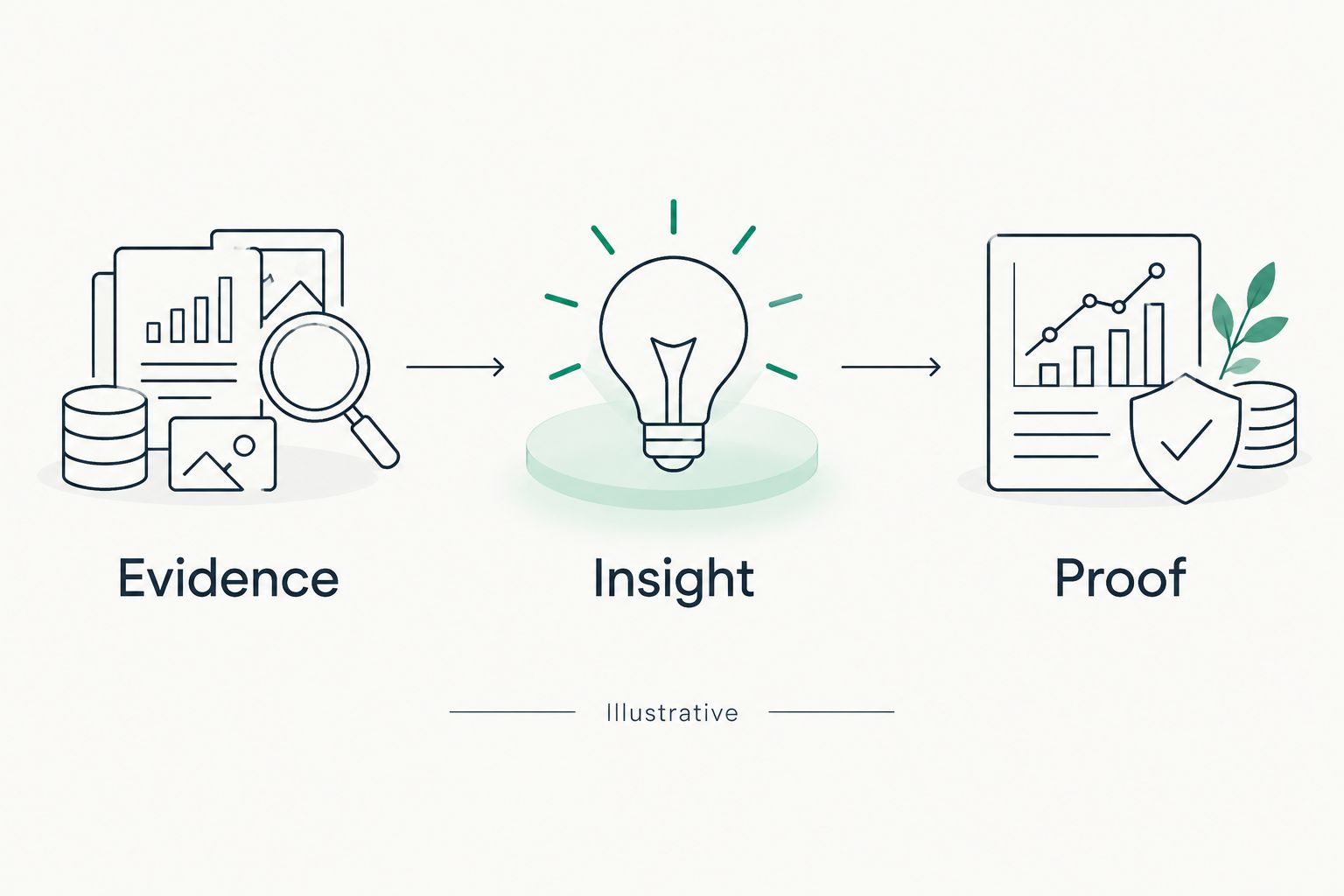
Use the same sequence every time: Evidence, Insight, Proof. Evidence says what the review read. Insight explains the limited implication. Proof preserves the source material that supports that explanation.
A proposed diagram of this sequence is illustrative, not a product interface or a customer result.
Keep the wording bounded
Write the observation in plain language, then explain what remains unanswered. Avoid turning absence of collected evidence into absence of a control.
For 2026 sales preparation, keep the language in the past tense when describing the assessment: the review observed a state on its collection date. Ask whether that state still applies. A prospect can have changed a setting since collection.
The technical review also stops unsupported consequence claims. Explain the function of a control where relevant, but do not invent a breach history, a financial loss, or a claim that an attacker used the observed condition.
Configuration unit: Sales handoff
Create a preparation task, not an alarm
- Create the sales-preparation task only after technical approval. Include Prospect, Review date, Approved observation, Evidence limit, and Conversation question.
- Give the sales owner access to the approved evidence packet, not unrestricted access to every underlying tenant detail.
- Require a separate sales-context approval before adding the observation to outreach or a proposal. This creates two approval stages: technical accuracy and appropriate use.
- Record the prospect's response separately from the original finding. A stated exception or completed change is new context, not a reason to rewrite the historical observation.
- Close or hold the task when evidence becomes unsuitable for the planned conversation. Do not keep stale flags active solely because an opportunity remains open.
Expected result: The sales owner has a specific question, supporting evidence, and a clear boundary around what can be claimed.
The Microsoft 365 scan-to-sales-ready evidence workflow provides a related path for organizing the handoff. Keep your automation focused on preparation rather than automatic persuasion.
SCOUTz prospect intelligence supports the preparation step. It is not a contact database, and an assessment does not establish that a prospect intends to buy.
Variant: Re-review when new evidence arrives
A later authorized assessment can update your preparation record. Treat it as a new observation, not an overwrite of history.
- Match the new review to the same tenant and the same defined check. Do not compare labels that refer to different scopes.
- Compare the observation and coverage status. A previously flagged condition followed by an unread check is unknown, not resolved.
- Preserve both collection dates. Record an observed change only when the comparable evidence supports it.
- Send changed observations back through technical review before updating sales material, a proposal, or a QBR packet.
Expected result: Your record shows what changed, what remained observable, and what cannot be compared.
For a 2026 QBR, retain the distinction between a setting change and a verified remediation outcome. A changed value proves a changed value within the collected scope. It does not prove that every related security concern is resolved.
Troubleshooting
Duplicate tasks appear after intake retries
Use Review ID to recognize an already processed assessment. Update that record or stop the repeat action. Do not use a prospect name as the duplicate key; the same prospect can have multiple valid reviews.
A completed assessment looks clean despite unread checks
Inspect Coverage status and Collection status before interpreting the findings. Route unread or failed checks to evidence resolution. A completed job with incomplete coverage cannot support a blanket clean statement.
Findings attach to the wrong prospect
Verify Tenant ID and the prospect mapping. Quarantine ambiguous matches for review instead of guessing from similar names or email domains. Correct the mapping before releasing a sales task.
A sales task describes an observation as a breach
Remove the incident claim and return the item to technical review. A configuration observation supports a configuration discussion. Confirmed incident language requires separate incident evidence.
A later assessment appears to resolve everything
Check whether the source, check definition, and coverage remain comparable. If a previously readable area is now unread, retain the old dated observation and mark the new state unknown.
Customize your workflow
Start with a narrow set of checks your technical team can interpret consistently. Expand after the intake, evidence fields, and approval gates work as intended. Adding more findings before those gates work only creates a larger review queue.
Use the same approved evidence record for different conversations without changing its meaning. A first meeting needs a question. A proposal needs an agreed scope. A QBR needs a dated comparison with explicit limits.
Join Open Beta is the primary next step for MSPs exploring SCOUTz for prospect intelligence and Microsoft 365 sales preparation. Keep your implementation decisions tied to the workflow capabilities available to you, not assumptions about integrations.
FAQ
How do I automatically flag security gaps after a prospect's Microsoft 365 review?
Process completed assessment records, preserve each finding's source and date, and route observed conditions to technical review. Send only approved observations to sales, with unread checks explicitly marked unknown.
Does SCOUTz automatically connect a Microsoft 365 review to my CRM?
This guide does not establish a SCOUTz CRM connector or automatic trigger. Confirm the supported intake method before implementing the proposed workflow in your existing systems.
Can I assess a prospect's Microsoft 365 tenant from public domain records?
Public domain records do not establish internal Microsoft 365 tenant settings. Use customer-authorized read-only tenant evidence for observations about the settings actually read.
Does a flagged Microsoft 365 setting prove a breach?
No. A flagged setting is an observation for validation, not incident evidence; a confirmed breach claim requires separate supporting evidence.
Should an unread security check count as clean?
No. An unread security check is unknown, and the workflow must keep that state separate from a check that was read without the flagged condition.
What should a sales-ready security finding contain?
A sales-ready finding needs the approved observation, evidence source, collection date, limitation, and a conversation question. Technical approval should precede its use in outreach or proposals.
Can I reuse the same workflow for proposals and QBRs?
Yes, the evidence and review structure can support proposals and QBR preparation. Preserve dated observations and compare only equivalent checks with readable evidence.
One last thing
Automate the unknown state as carefully as the gap flag. That is the record most likely to prevent an unsupported claim. A missing observation should stop a conclusion, not quietly approve one.
Before releasing your first preparation task, inspect one record end to end. Verify that the source, collection date, limitation, and approved question survive every handoff. If those fields disappear, fix the workflow before adding more checks.